

TRANSFORMING FIELD SALES TO ACHIEVE MORE

About SPOTIO

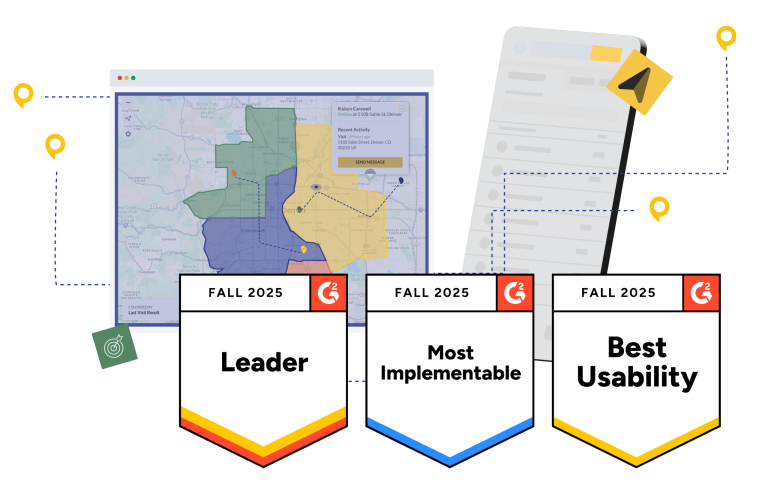
SPOTIO powers the world’s most productive field sales teams. As the G2 Leader in Field Sales Software, we’ve earned the #1 ranking for ease of use and implementation—because your reps need tools that accelerate results, not complicate workflows.

From high-velocity B2C teams to enterprise B2B sales organizations, thousands of field reps use SPOTIO to eliminate guesswork, boost activity visibility, and close more deals. Drive systematic revenue generation with the platform that delivers proven results.

About_Hero__

Our Mission

How SPOTIO Began

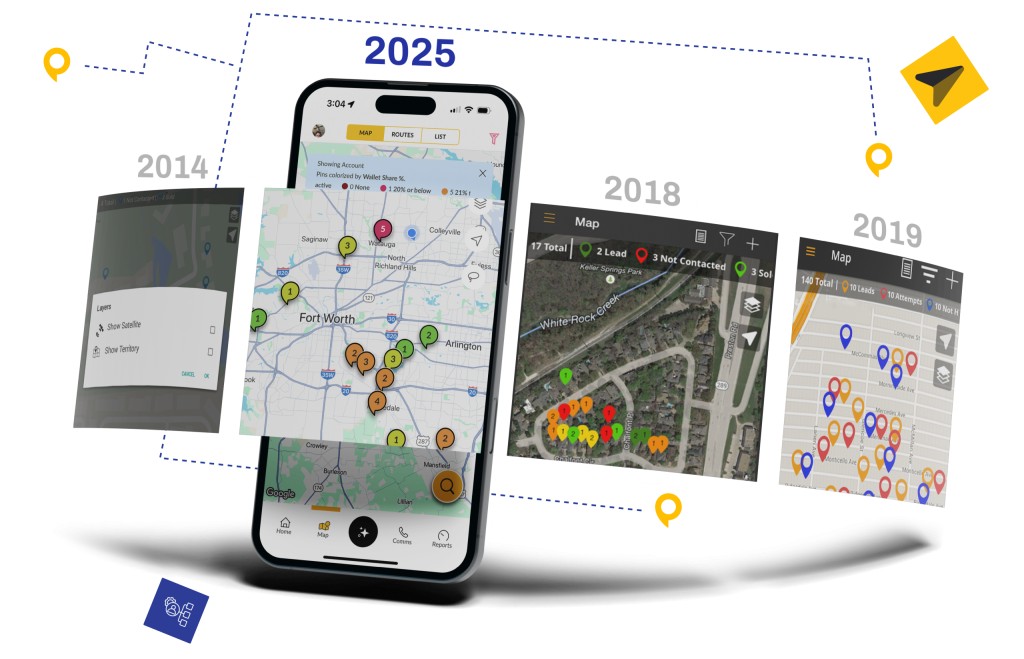
Founded in 2014, SPOTIO was born out of a visibility crisis experienced firsthand by CEO Trey Gibson while leading his own field sales team. Reps were working territories without optimization, managers had little insight into what was happening in the field, and activity was effectively invisible. From that pain point, SPOTIO emerged as the solution—bringing real-time tracking and territory intelligence to field sales teams. Today, that same focus on solving problems continues to drive our mission and growth.
AppScreens
SPOTIO vs. Badger Maps, Map My Customers, Leadbeam, Salesforce Maps, and SalesRabbit feature comparison
Feature Category SPOTIO Badger Maps Map My Customers Leadbeam Salesforce Maps SalesRabbit
Platform Purpose Complete field sales execution platform for B2B and B2C teams with customer, territory, and pipeline management Route optimization and mapping tool for outside sales reps Mapping and activity tracking tool for B2B field teams AI-assisted field sales app for B2B teams, focused on voice-to-CRM capture and pre-visit preparation Mapping and territory management tightly integrated with Salesforce CRM Canvassing platform focused on door-to-door, gamification, and lead tracking
Ideal Team Size & Use Case Growing B2B and B2C sales teams with 5–500+ field reps that want one system to manage territories, activities, and pipeline Smaller B2B field teams that mainly need better routes and maps B2B teams wanting simple mapping layered on top of existing CRM workflows B2B field teams that want AI to handle visit prep and post‑visit data entry (no team-size guidance published) Salesforce-centric organizations needing maps and territories inside Salesforce Smaller D2D and residential teams focused on canvassing and basic follow-up
Route Planning & Optimization Optimizes routes up to 150 stops with schedule integration and handoff to Google Maps / Waze Advanced algorithm-based routing with real-time traffic optimization Basic route planning with location-based optimization Compass plans multi‑stop routes that adapt to business hours, calendars, and traffic via Google Maps, Waze, or Apple Maps Route planning from Salesforce records with moderate optimization Basic route planning with turn‑by‑turn directions and lead prioritization
Territory Management Enterprise territory management with layers, KML support, performance analytics, and assignment tools Basic territory assignment and management Color‑coded territories and basic assignment Atlas shifts territory focus by win rates and pipeline velocity; limited enterprise-grade controls documented Advanced rules-based territory design and management inside Salesforce Custom territory mapping with assignment and basic optimization
Lead Management & Prospecting Robust lead management plus Lead Machine with filters, demographics, and revenue estimates for prospecting Visualizes existing leads/accounts on a map; limited prospecting tools Lead and account mapping with basic views and filters Atlas database of 30M+ mapped and scored B2B businesses; B2C/residential prospecting not documented Uses Salesforce lead and opportunity data; no standalone prospecting engine Lead tracking for canvassing; limited B2B-style prospecting features
Activity Logging & Field Tracking One‑tap, GPS‑verified logging with automated CRM sync and comprehensive visit history Check‑ins with notes and photos; largely manual data entry Map-based check‑ins and activity logging with quick actions Pulse captures visits by voice note or photo and parses them into CRM fields; no GPS‑verified logging Manual activity logging tied to Salesforce records Basic activity logging with limited location verification
Mobile App & Offline Use Mobile‑first iOS/Android apps with Download My Day offline mode for full-day use Mobile apps with reports of performance issues; limited offline caching Mobile apps focused on mapping and check‑ins; limited offline depth Mobile app with offline capture; scope and duration not publicly documented Mobile access available but primarily desktop/browser‑oriented Mobile app for canvassing with basic offline support
Pipeline & Deal Management Full pipeline management with custom stages, Kanban views, and drag‑and‑drop updates No native pipeline management; relies on external CRM Basic pipeline tracking with CRM sync No standalone pipeline module; handled through the connected CRM (Salesforce, HubSpot, or Leadbeam CRM) Pipeline managed within Salesforce CRM, not Maps itself Simple pipeline and lead stages for canvassing workflows
Communication Tools Built‑in calling, texting, and email with templates and sequences Relies on external phone/email tools; no full multi‑channel suite Basic email; no integrated calling or texting No built‑in calling, texting, or email documented; relies on the connected CRM/external tools Uses Salesforce communication tools; no dedicated Maps comms layer In‑app notes and basic contact attempts; limited multi‑channel support
Follow-up & Task Automation AutoPlays and guided sequences for structured multi‑touch follow‑up and reminders No automated follow‑up sequences; manual task handling Limited automation (e.g., route creation and alerts) AI drafts follow‑up emails and creates tasks after visits; no multi‑channel sequencing documented Tasks and reminders handled through Salesforce workflows Basic reminders and follow‑ups without sequencing
Reporting & Coaching Analytics My Reports with 200+ filters, real‑time dashboards, and coaching insights Basic weekly reports and limited analytics Scorecards and simple team leaderboards Manager dashboards available; detailed coaching analytics not documented Einstein‑powered dashboards and analytics in Salesforce Gamification dashboards and leaderboards for canvassing
AI Capabilities SPOTIO AI assistant for on‑demand sales guidance and workflow support No AI assistant or sales intelligence No AI features Beamly briefs reps before visits from CRM and web data; Pulse turns voice notes and photos into CRM records Salesforce AI (Einstein) for scoring, forecasting, and generative insights DataGrid AI for homeowner scoring and propensity models
CRM & Integrations Native integrations with Salesforce, Acculynx, and others plus API and iPaaS options Integrations available; some require extra cost and minimum licenses Integrates with common CRMs; focused on mapping over deep CRM logic Integrates with Salesforce and HubSpot; offers a proprietary Leadbeam CRM for teams without one Requires Salesforce; Maps is an add‑on inside the Salesforce stack CRM and tool integrations primarily around canvassing workflows
Enterprise Readiness SOC 2 Type II, SSO, role‑based permissions, 99.9% uptime, GDPR compliant, built for multi‑region teams Limits on records and features unless larger plans and license minimums Best suited to small and mid‑size B2B field teams Security certifications, SSO, and uptime commitments not publicly documented Enterprise‑grade when paired with Salesforce admin resources Scales for canvassing; focus on gamification and integrations

✓ Ratings and features based on public documentation, G2 reviews, and SPOTIO accuracy standards

A Note From Our CEO

At SPOTIO, we remain dedicated to supporting field sales professionals by providing the tools and insights to help them thrive. Through data, automation, and actionable insights, we can help field sales teams transform challenges into growth opportunities.

Trey Gibson
Founder and CEO, SPOTIO

Recognized Excellence

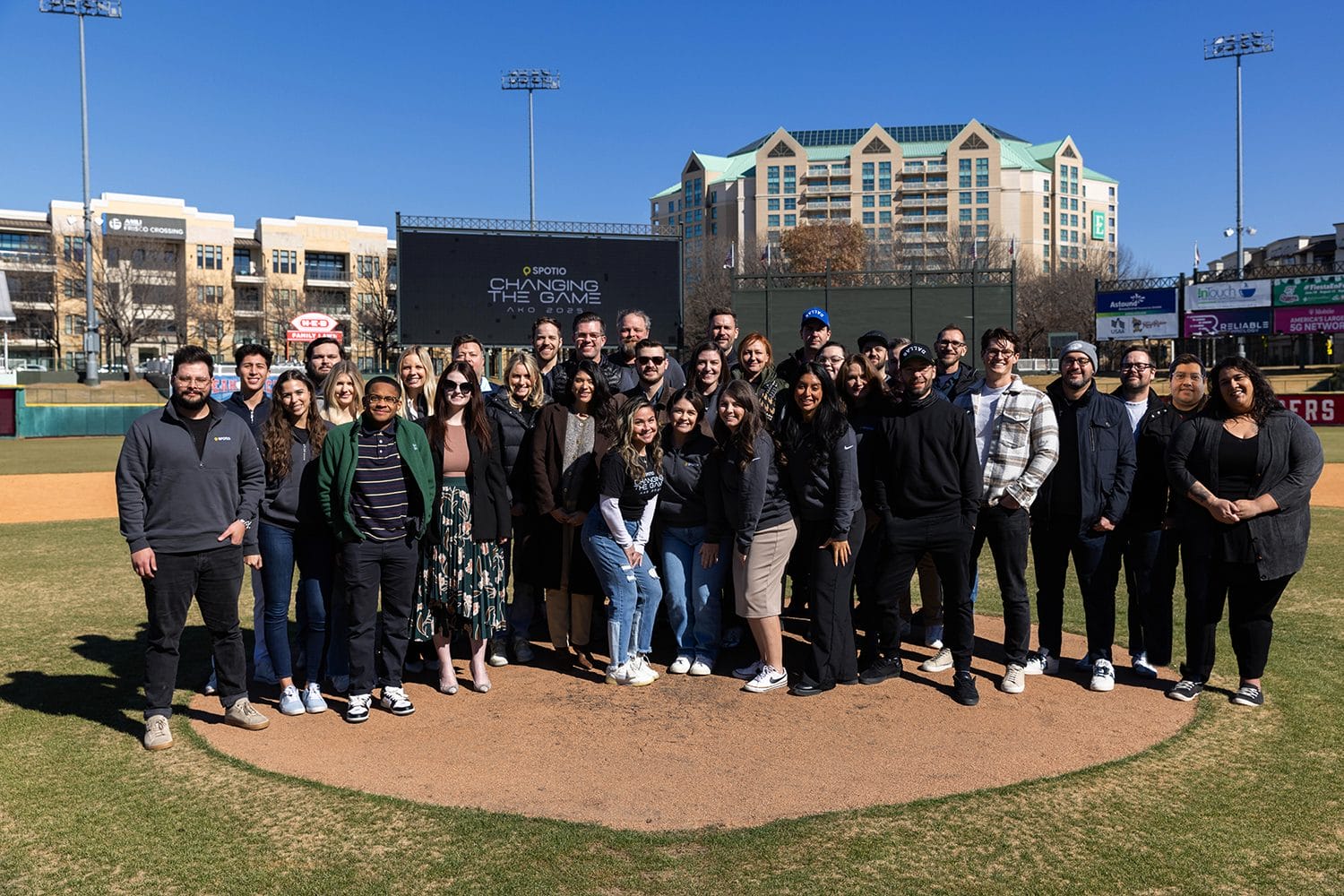
SPOTIO_AKO_Team
  • Field Sales Leader On G2 since 2018
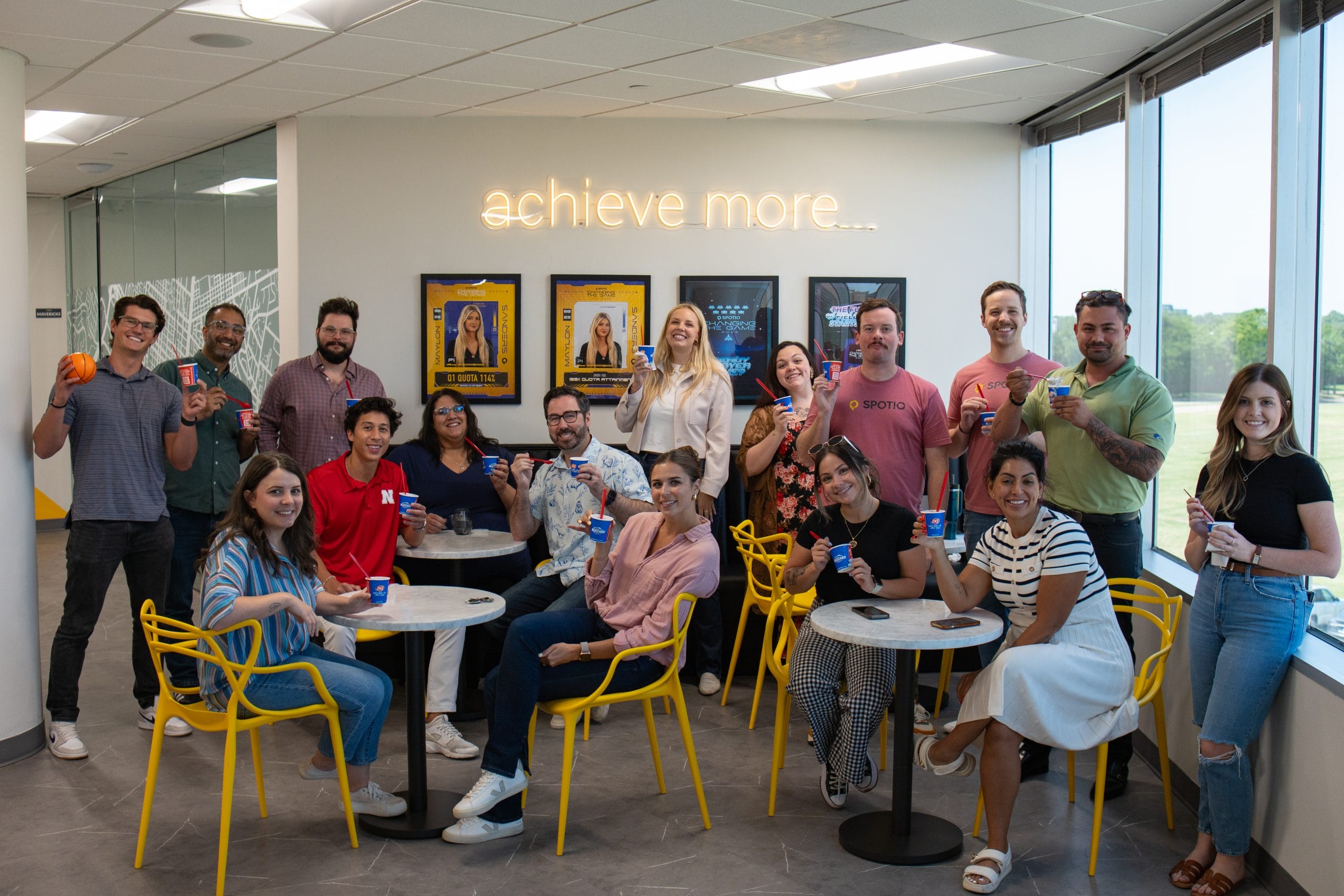
SPOTIO_BlizzardsDay_Photo-7
  • 6X Dallas Business Journal Best Place to Work
  • 2X Named to Inc. 5000 List of Fastest Growing Private Companies

How We Deliver Results

Excellence isn’t accidental—it’s built on principles. These five values guide every feature we build, every customer interaction, and every decision we make.

Icon___Make it Great
Make It Great

Be the best version of yourself for your family, team, customer and company.

Icon___Solve for the customer
Solve for the Customer

Be the best version of yourself for your family, team, customer and company.

Icon___Play to Win
Play to Win

Be the best version of yourself for your family, team, customer and company.

Icon___Relationships Matter
Relationships Matter

Be the best version of yourself for your family, team, customer and company.

Icon___Know where we stand
We Know Where We Stand

Be the best version of yourself for your family, team, customer and company.
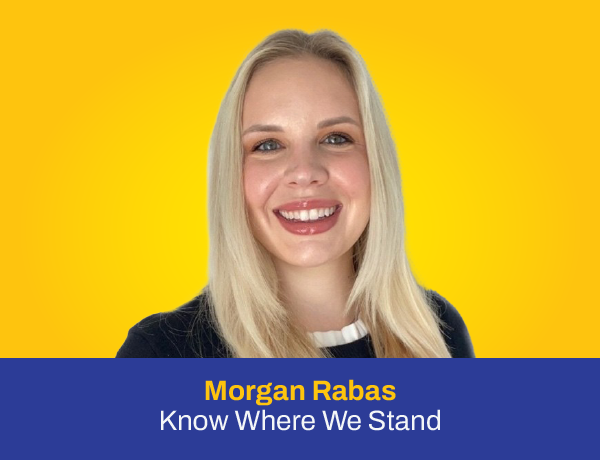
VALUES IN ACTION

See How Our Team Lives These Values Every Day

Ready to Transform Field Sales?

Six-time Best Place to Work winner. Consecutive G2 Leader. Inc. 5000 recognition. This isn’t luck—it’s what happens when brilliant people solve meaningful problems together. If you thrive on building solutions that directly impact thousands of field sales professionals, this is where you belong.